
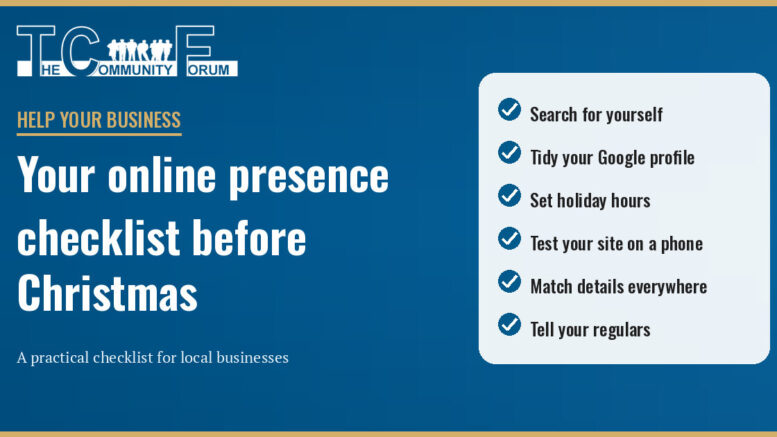
In the lead-up to Christmas, plenty of locals will look you up before they visit. They'll check your hours, see where you are, look at a few photos and maybe read a review. If what they find is out of date, some of them will go elsewhere without ever telling you. The good news is that most of this is free to fix, and an hour or two this week will cover the essentials.
1. Search for yourself first
Grab your phone and search for your business name plus your suburb, as a customer would. Then search for what you do, such as "café Malvern" or "plumber Bentleigh". Anything wrong, old or missing goes on your to-do list.
2. Claim and tidy your Google Business Profile
Your Google Business Profile is the panel that appears in Google Search and Maps. It's free, but you need to claim and verify it before you can manage it. Then check:
- your business name, address or service area, phone number and website link
- your main opening hours
- your categories, services or menu, and a description in plain language
- recent photos of your shopfront, interior, products or work
Most importantly before Christmas, set your special hours. Google lets you set special hours for holidays without changing your regular ones. In your Business Profile, go to Edit profile → Hours, then edit Special hours. Choose each date, enter your opening and closing times or mark it closed, and save. Your profile must be set to “Open with main hours” for special hours to appear. For closures of seven or more consecutive days, Google says to mark the business “Temporarily closed” instead. With Christmas Day, Boxing Day, the additional holiday on Monday 28 December and New Year's Day all coming up, it's worth confirming every date now, even the days you'll keep normal hours.
3. Test your website on a phone
Many customers will meet your website on a small screen. Open it on your phone and check:
- Can you find your hours, address and phone number within a few seconds?
- Does tapping the phone number start a call?
- Does the contact or booking form actually work? Send yourself a test enquiry and make sure it arrives.
- Are menus and services current, with no expired promotions still showing?
If pages are slow to load or hard to read on a phone, note it down for a bigger fix in the new year.
4. Make your details match everywhere
Your name, address, phone number and hours should be the same on your website, Google profile, Facebook and Instagram pages, and any directory listings, including your page on The Community Forum. Mismatched details confuse customers. Update your other listings when you change anything.
5. Look after your reviews, the right way
Reply politely to recent reviews, both good and bad. A calm, helpful reply to a complaint can reassure future customers. Asking happy customers for an honest review is fine, but the ACCC's rules on online reviews are clear: it's against the law to create fake reviews or arrange for others to create them. Removing or suppressing genuine negative reviews can also mislead consumers.
6. Tell your own customers directly
Post your Christmas hours on social media and pin the post to the top of your page. If you send an email newsletter, include your holiday hours and any gift ideas. Before sending marketing emails, make sure you have consent: this may be express or, in limited circumstances, inferred. A purchase alone is not enough to establish inferred consent. The ACMA requires consent, clear sender identification and contact details, and an easy unsubscribe. Honour unsubscribe requests within five working days; the unsubscribe option must stay functional for at least 30 days and must not require a login, extra personal information or a fee. Keep records of express consent.
The takeaway
Search for yourself, fix your Google profile and holiday hours, test your website on a phone, make your details match everywhere, and tell your regulars directly. Those small jobs mean that when locals go looking for you this Christmas, they find you, and find you open.
If you'd like a hand with any of this, TCF can help with websites, your TCF page, email marketing and social media.
Over to you: What's the one part of being online that you'd most like help with? Reply to this newsletter or email bob_mann@thecommunityforum.com.au with your questions or topics you'd like us to cover. If you've found a simple trick that brings in local customers, share it and we may feature it in a future edition.


